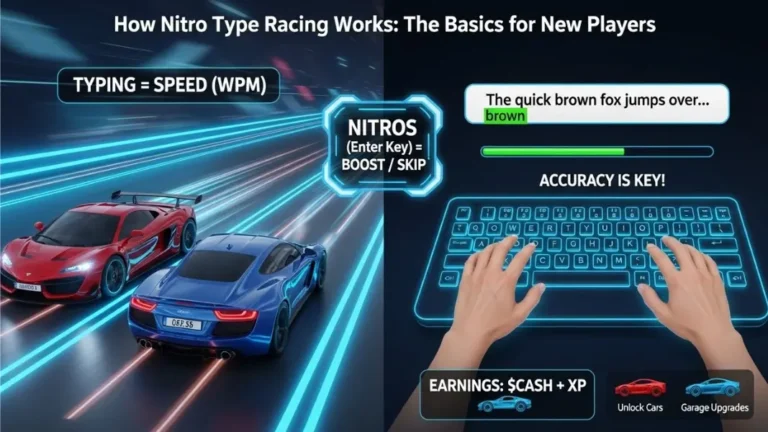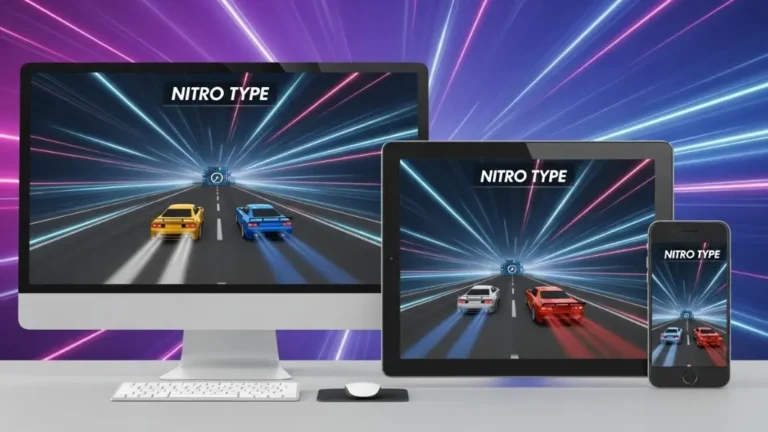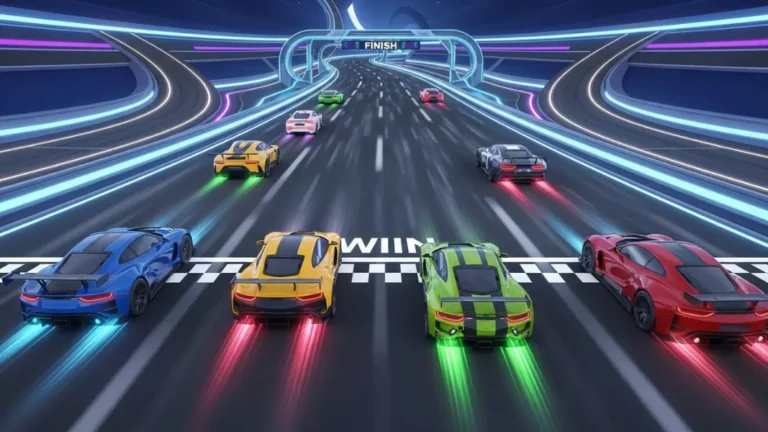
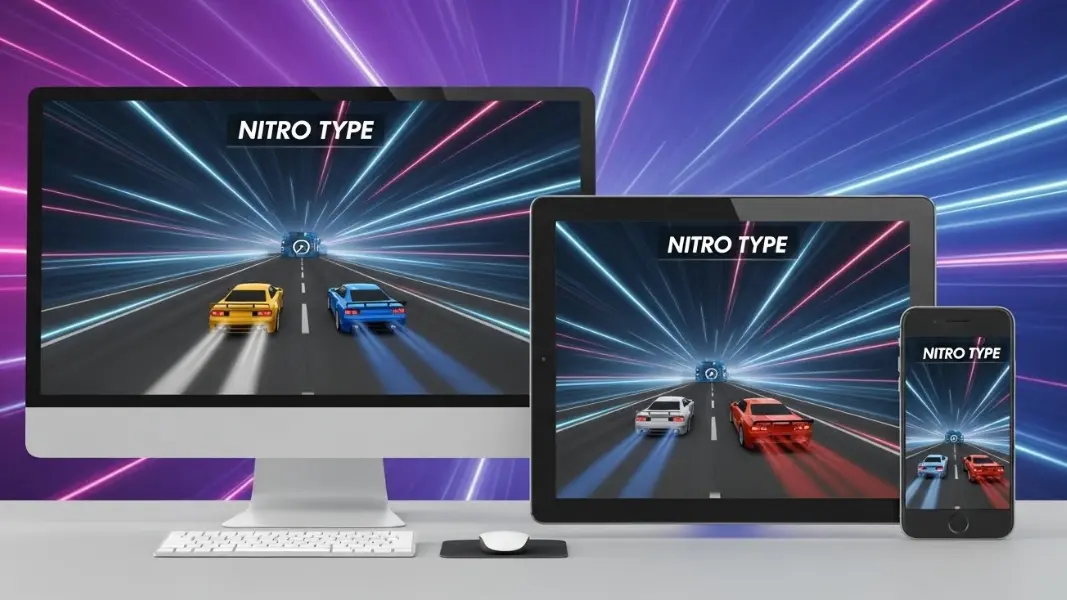
Nitro Type is a global leader in the world of competitive typing education. It functions as a real time racing simulator where speed and accuracy determine success. Users participate in short races against four other players or computer bots. Every character typed correctly moves the vehicle forward on a virtual track. This software exists entirely within a web browser which makes it highly accessible. Understanding how the game interacts with various hardware platforms is essential for any player who wants to reach peak performance.
Success in this environment depends on the relationship between physical input and digital processing. The choice of device impacts how quickly a player can react to the text on screen. Factors like screen size and keyboard travel play a role in final scores. While the core game remains the same across all platforms the experience changes based on the hardware in use. This guide explores the technical and practical aspects of using various devices for this high speed typing experience.
Key Takeaways
- Desktop computers provide the most stable environment for competitive racing.
- Physical keyboards are necessary for achieving speeds above fifty words per minute.
- Tablets work well for practice when paired with external typing accessories.
- Mobile phones serve best as tools for account management and car collection.
- Low latency internet connections are vital for real time synchronization.
- Browser choice affects the smooth rendering of game animations.
What is the core functionality of Nitro Type?
Nitro Type is a cloud based application built for educational and entertainment purposes. It operates on a browser engine which means it does not require a local installation on a hard drive. The game uses modern web standards to handle intense graphical updates during a race. The main goal for any user is to increase their words per minute while maintaining high accuracy. Accuracy is a critical attribute because a single error can stall the vehicle for a fraction of a second.
The software relies on a central server to match players with similar skill levels. This matching process ensures that competition remains fair and engaging. In the context of hardware this means the device must handle constant data packets. A device with a fast processor can render the cars and the track more smoothly. Smooth visuals help the player maintain a steady rhythm which is the secret to high speed typing.
How does the hardware environment affect your typing accuracy?
Accuracy is not just a matter of human skill but also a result of hardware reliability. A physical keyboard provides tactile feedback that a touch screen cannot replicate. Tactile feedback is the physical sensation of a key being pressed and returning to its original position. This sensation tells the brain that a letter has been registered. Without this feedback the typist must rely entirely on visual confirmation which is much slower.
The distance a key travels before it registers is called the actuation point. On many laptops this distance is very short. On mechanical keyboards used by enthusiasts this distance can be customized. Short travel distances allow for faster repetitive motions. However if the keys are too sensitive a player might make accidental errors. High quality hardware reduces the chance of ghosting where the computer fails to recognize multiple keys pressed at once.
Why is the desktop experience considered the professional standard?
Desktop computers are the preferred choice for top tier racers in the typing community. One major reason is the stability of a wired internet connection. Most desktops use an Ethernet cable which offers lower latency than Wi-Fi. Latency is the delay between a player action and the server response. In a game where milliseconds matter a wired connection provides a significant advantage.
Another advantage is the use of large monitors with high refresh rates. A refresh rate is how many times per second the screen updates the image. A screen with a high refresh rate makes the movement of the cars look fluid. This reduces eye strain and helps the player stay focused on the text block. Desktops also have more cooling capacity which prevents the processor from slowing down during long sessions.
Can a tablet serve as a primary training device?
Tablets represent a versatile option for students and casual players. These devices often have powerful processors that can run web applications as well as many laptops. The main challenge on a tablet is the default input method. Using a virtual keyboard on the screen is difficult for competitive racing. The fingers block the view of the track and the surface offers no physical guide for hand placement.
To make a tablet effective a player should use a separate keyboard. Modern tablets support Bluetooth and wired connections through specialized adapters. When a tablet is placed on a stand and connected to a mechanical keyboard it becomes a portable racing station. This setup is excellent for schools where space is limited. It allows for high speeds while maintaining the portability that many users need.
What role does a mobile phone play in the Nitro Type ecosystem?
Mobile phones are the most portable way to access the game but they come with limitations. The user interface must scale down to a very small size. This makes the text harder to read and the cars appear much smaller. Most players use their phones to visit the dealership and buy new cars. They also use the mobile site to check their team rankings or view their career statistics.
Racing on a phone is possible through the mobile browser but it is rarely used for setting personal records. The virtual keyboard takes up nearly half of the screen space. This leaves very little room to see the race progress. Additionally mobile data connections can be less stable than home internet. A sudden drop in signal can cause a player to lose their progress in a race. Mobile use is ideal for quick tasks rather than serious training.
How do internet protocols impact real time race synchronization?
Every race in this environment is a live event that requires constant communication with a server. The game uses specific protocols to ensure all players see the same cars in the same positions. If a connection is weak a car might appear to jump forward or backward. This is known as rubber banding. It can be very distracting for a typist who is trying to maintain a steady flow.
Bandwidth is the amount of data a connection can handle at once. While this game does not require high bandwidth it does require a consistent signal. Public Wi-Fi in cafes or airports often has many users which can lead to interference. For the best experience players should use a private network. In Europe and North America high speed fiber connections have made these issues less common for desktop users.
Which setup is right for your specific goals?
Choosing the right device depends on what a player hopes to achieve. Different hardware configurations serve different needs and environments.
For the Competitive Racer
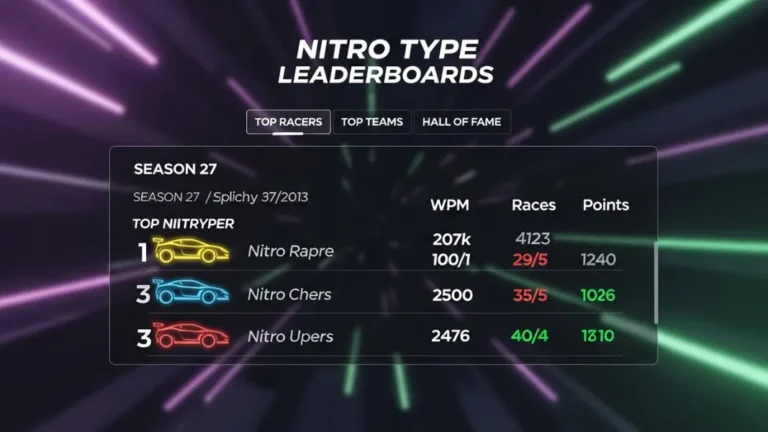
Players who want to reach the top of the global leaderboards should invest in a desktop setup. This includes a mechanical keyboard and a high refresh rate monitor. A wired mouse is also helpful for navigating the menus quickly. This environment minimizes distractions and maximizes the speed of every keystroke. It is the best choice for those who spend hours each week improving their craft.
For the Student or Casual Player
Laptops and tablets are the best choice for people who practice in different locations. A laptop offers a built-in keyboard that is usually sufficient for reaching sixty to eighty words per minute. Students who use tablets in the classroom can still compete effectively if they have access to a desk and a comfortable chair. These devices balance performance with the convenience of a portable form factor.
For the Collector and Team Manager
Users who are mostly interested in the social and cosmetic aspects of the game can rely on a smartphone. The mobile site is perfectly capable of handling garage management and shop purchases. It allows a user to stay connected with their team throughout the day. While it is not the best for racing it is an essential part of the overall experience.
| Feature | Desktop | Laptop | Tablet | Smartphone |
| Typing Speed Potential | Highest | High | Medium | Low |
| Visual Clarity | Excellent | Very Good | Good | Basic |
| Input Precision | Maximum | High | Variable | Low |
| Portability | None | High | High | Maximum |
| Connection Type | Wired/Wi-Fi | Wi-Fi | Wi-Fi/LTE | LTE/5G |
When is it better to avoid certain devices?
There are times when a specific device might hinder progress. Avoid using a smartphone for races if you are trying to improve your accuracy. The small keys on a screen lead to more typos which can build bad habits. It is also better to avoid using very old tablets that can no longer receive browser updates. Outdated browsers may have security flaws or may not render the game logic correctly.
Using a laptop on a soft surface like a bed is not recommended for serious racing. This position is bad for ergonomics and can cause wrist pain. It also makes the keyboard unstable which reduces your speed. A solid and flat surface is always the best choice regardless of which device is being used. If a device becomes very hot to the touch it is a sign that the hardware is struggling. In this case it is better to take a break or switch to a more powerful machine.
Fun Fact
The very first version of this racing game was designed to run on simple school computers with very low processing power. This legacy is why the game still runs smoothly on almost any modern device today.
Conclusion
Nitro Type is a flexible platform that brings the joy of typing to many different types of hardware. Whether you are using a powerful gaming computer or a simple handheld device the core spirit of the competition remains the same. Desktop users will always have a slight edge in pure speed due to the physics of mechanical keys and wired connections. However the ability to practice on a tablet or check stats on a phone makes the game a constant companion for modern typists. By choosing the right hardware for your goals you can ensure that your typing journey is both productive and enjoyable.